Business system management that keeps operations running
When an employee cannot access the system, email stops working, or an important document disappears, IT immediately becomes an operational issue. Managing a company's IT systems is about preventing such incidents, responding quickly when they occur, and ensuring that technology supports work rather than hindering it. For managers, this is not primarily a question of computers. It is a question of operational security, cost, and the company's ability to continue when something goes wrong.
What does company IT system management involve?
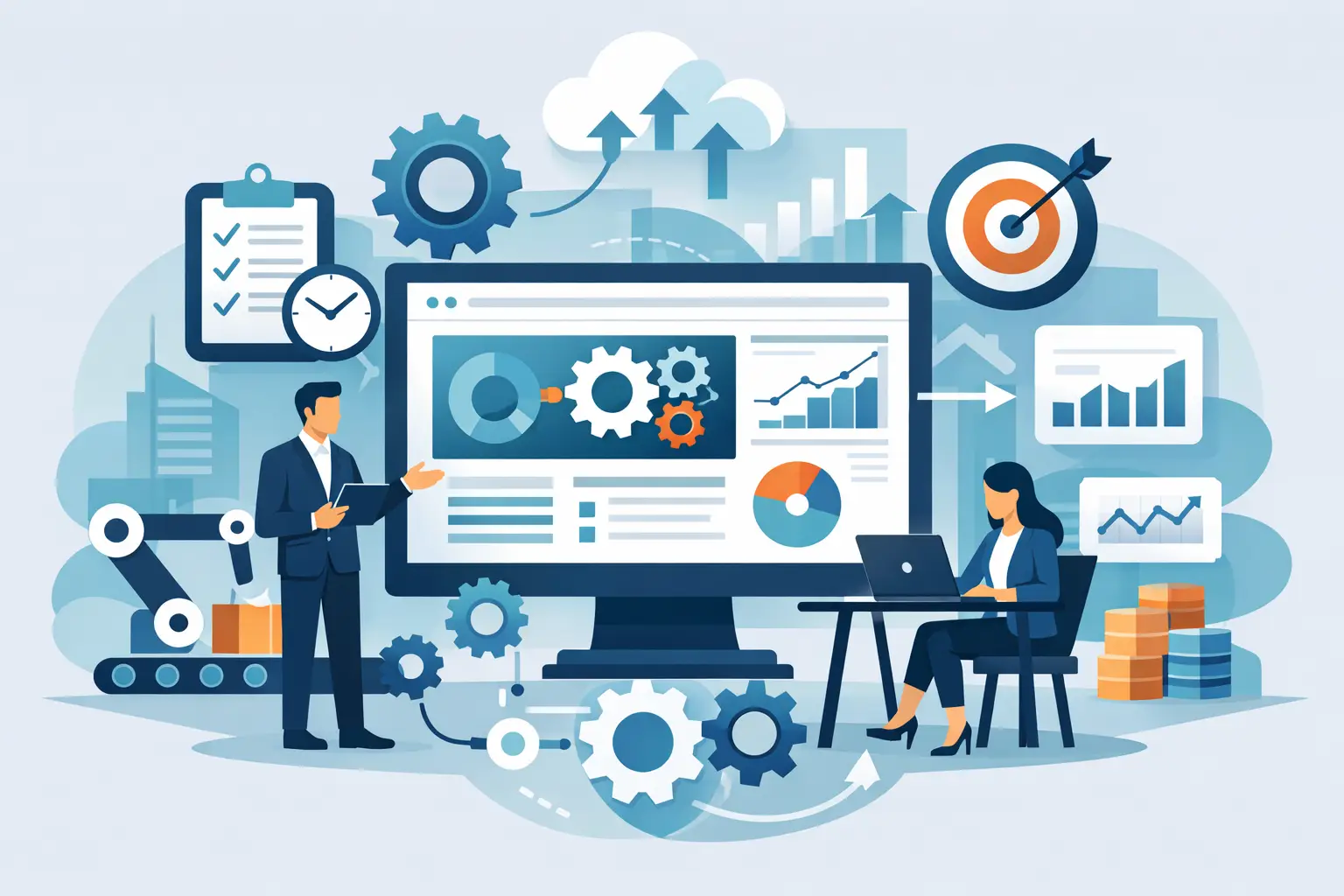
IT system management is the daily responsibility for a company's IT environment. It covers users, computers, mobile devices, networks, cloud services, access controls, software licenses, backups, and security measures. The task is not completed once the equipment has been set up. Systems require constant monitoring, maintenance, updates, and clear responsibilities.
Well-managed IT system management begins with knowing what the company owns and uses. Who has access to what data? What devices are connected to the system? Are updates in order? Are backups actually restorable? When these questions are not answered with certainty, the risk gradually increases, often without being noticed until a failure or security incident occurs.
Companies with small internal IT teams find this particularly quickly. One employee cannot handle user support, projects, security, and future planning with the same depth simultaneously. Urgent matters then tend to take precedence, and preventative work is left behind.
Preventative work costs less than constant failures
Responding to failures is necessary, but it is an expensive way to run IT. Employee time is spent waiting for a solution, customers receive slower service, and managers have to shift their attention from operations to problems that could possibly have been identified earlier.
Preventative IT system management includes, among other things, monitoring device performance, installing security updates, removing outdated user access, and analysing unusual activity. It also includes organisation. A new employee should receive the correct access on their first day, and an employee who leaves should not leave behind active access to email, business systems, or sensitive data.
This is where the difference between simple technical support and managed systems becomes clear. Technical support answers the call when the problem has occurred. IT system management works systematically to ensure that calls become fewer, their impact is lessened, and solutions are more permanent.
Security is part of daily operations
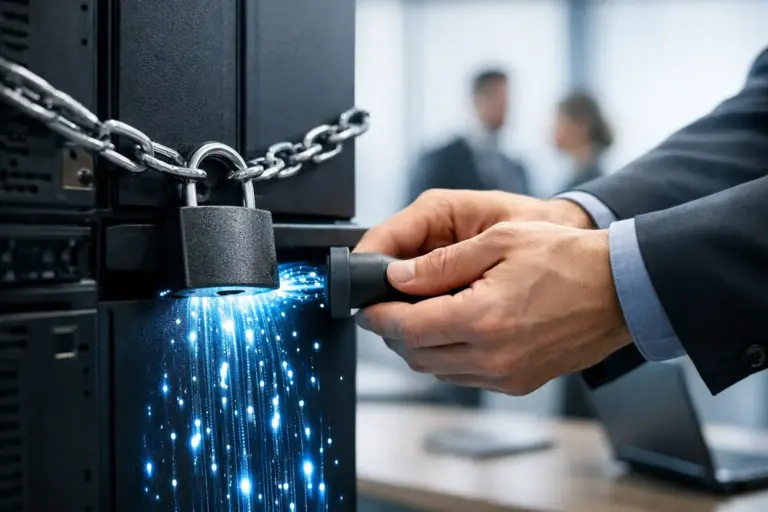
Cybersecurity is not a special task that can be completed once a year. New threats, new devices, and changes in staff constantly alter the risk. Companies that store customer information, financial data, or confidential documents need to be able to demonstrate that basic protections are consistently maintained.
Strong system management links security to daily operations. This means devices are updated, multi-factor authentication is used where applicable, passwords are not stored in insecure locations, and access is limited to what each employee needs for their job. Endpoint monitoring can also detect signs of infection or unauthorised use before an incident can spread.
No single defence eliminates all risks. An employee can click on a convincing phishing email, and a service can fail despite good preparation. The goal is therefore to build multiple layers of defence, detect deviations early, and have a clear plan for the next steps. How much defence is appropriate depends on the company's operations, data, contractual obligations, and risk tolerance.
Backups must pass a real test
Many companies believe they have backups until they need to restore data. It then sometimes turns out that the backup is too old, incomplete, inaccessible, or has also been attacked. Backups are therefore not just a service that should be active. It is a recovery plan that needs to be tested.
Good practice involves backing up important data at regular intervals, keeping at least one copy separate from the daily environment, and defining the recovery priority. A company doesn't necessarily need to get all systems running in the same minute. However, it needs to know which data, users, and services must be brought back online first to minimise downtime.
Recovery testing provides management with important information: How long does it take to recover? What is potentially lost between backups? Who makes the decision if an incident occurs? Without answers to these questions, a response plan is more of a hope than an operational resource.
Predictable costs and clearer decisions
Disorganised IT is rarely cheap. Costs manifest as emergency repairs, double software license payments, hastily purchased equipment, and productivity losses that are not always clearly visible in accounting. When no one has an overall view, systems that no one dares to decommission can also accumulate.
With regular system management, it becomes easier to plan equipment renewal, harmonise software, and select solutions based on actual needs. Not every company needs the most complex solution on the market. The right solution is one that protects operations, suits the workflow, and costs in proportion to the risk it reduces.
This approach makes IT costs more understandable. Instead of asking why yet another invoice has arrived, managers can see which services are in use, what risks they face, and what results they are expected to deliver.
How to build better system management?
The first step is an honest assessment of the situation. The company needs to map out devices, systems, users, access, backups, and key vulnerabilities. It is particularly useful to examine the processes that often prove weakest: new hires, terminations, remote work, external access, and handling of sensitive data.
Next, responsibility must be defined. Who handles issues from staff? Who monitors updates? Who verifies backups? Who informs management about risks and priorities? If the answer varies depending on who you ask, the responsibility is likely not clear enough.
Finally, a realistic plan must be put in place. It is not always sensible to renew everything at once. Often, the greatest success comes from starting with the items that can cause the most damage: insecure access, un-updated devices, uncertain backups, or a lack of response procedures. Then, a better framework can be built in clear stages.
Internal team or service provider?
Some companies have a large enough IT team to handle all daily management themselves. Others have a capable employee who knows the business well but lacks the time or expertise to manage security, monitoring, and user support around the clock. In such cases, a managed partner can be a cost-effective way to add capacity without building a large internal team.
Good partnership is not about moving the problem away from the company and forgetting it. It is about having a responsible party who knows the environment, responds when needed, and advises on the next steps based on business needs. At nexIT, we work with companies to combine daily system management, user support, security measures, and recovery plans into a clearer operational structure.
Managers should look for a partner who speaks understandably about risks, priorities, and costs. Technical competence is fundamental, but it yields little if no one takes ownership of the big picture or explains the impact of decisions on the company.
Technology should give staff the freedom to do their jobs securely, not create uncertainty every time something changes. When system management is clear, proactive, and linked to business objectives, it becomes a calm but essential part of the company's ability to continue operating, even when unexpected incidents occur.