How do companies defend against ransomware attacks?
When an employee cannot access their business system, shared documents are locked, and a payment demand appears on the screen, the damage has already begun. The question of how to defend against ransomware attacks is therefore not solely about stopping cybercriminals. It is about keeping operations, customer service, and financial information running when an attack tests your defences.
Ransomware is malicious software that encrypts files or locks access to systems and demands payment for recovery. In many cases, attackers also steal data before locking it. They can then threaten to publish the data, even if the company has backups and can restore its technical systems. For a small or medium-sized business, this can mean lost revenue, interrupted services, response costs, and damage to trust.
How to defend against ransomware attacks in practice?
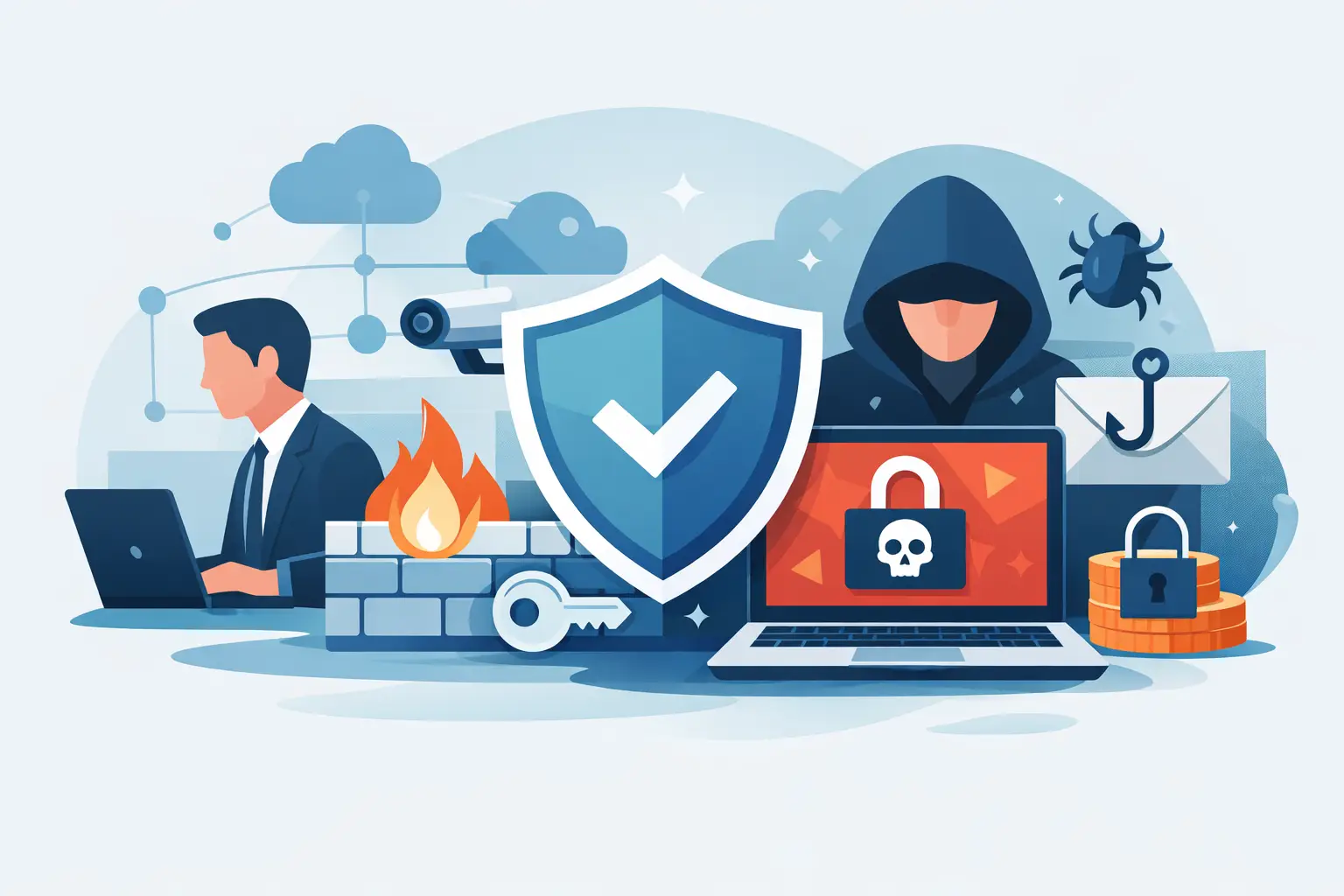
No single solution provides complete protection. A secure operating environment is built on mutually supporting layers: well-managed user access, updated devices, robust endpoint protection, tested backups, and staff who know how to react correctly. If one layer fails, the next must mitigate the impact.
It is also important to set the right goal. Companies cannot always prevent phishing emails from arriving or an employee from clicking a convincing link. The goal is that such mistakes do not lead to an attacker gaining control of the entire network or rendering the company inoperable.
Start by reducing access
Most serious attacks are made worse because an attacker gains access through one account and then gets extensive privileges. Therefore, it is necessary to limit who can do what, where, and when.
Multi-factor authentication should be the default for email, cloud services, remote access, and administrator accounts. Passwords alone are not sufficient protection, especially when the same password is used in more than one place or has been leaked in a previous data breach. A password manager helps staff use long, unique passwords without complicating daily work.
Administrator access requires special attention. An employee should not work daily on an account that can install software, change security settings, or read all company files unless necessary. The more people who have such rights, the larger the risk area becomes. Separate administrator accounts and regular access reviews can prevent a minor incident from becoming an operational disaster.
Access for former employees, consultants, and suppliers is another common area of weakness. Offboarding processes must revoke access on the same day, transfer data ownership, and ensure that no unknown login possibilities remain.
Updates and endpoint protection are daily operational tasks
Ransomware often exploits known vulnerabilities in operating systems, browsers, remote access software, and other applications. Updates aren't exciting tasks, but an unpatched device can be a direct route into the company. Operating systems, applications, network equipment, and firmware require clear responsibility, a regular update schedule, and monitoring of what fails.
Endpoint protection needs to be able to detect suspicious behaviour, not just known file signatures. For example, unusual encryption of a large volume of files, an attempt to disable security services, or the use of stolen administrator credentials can indicate an attack. Early detection can isolate a single device before the attack reaches file servers, cloud storage, or other devices.
Continuous monitoring is important here. Companies with few IT staff can rarely monitor all alerts, updates, and devices all day. Managed services enable the definition of responsibility, visibility of which devices are in use, and a faster response to deviations.
Backups are only useful if they can be restored
Backups are the last safety net when other defence levels fail. But backups that have never been tested are a hope, not a recovery plan. Ransomware can also try to delete or encrypt backups connected to the same network as the production systems.
A good backup strategy keeps more than one copy of important data, in a separate location and protected against modification or deletion. It doesn't just cover shared documents. Email, cloud data, business systems, configurations, servers, and key recovery information can be crucial when time is short.
Test recovery regularly. How long does it take to recover an important system? Are the correct versions of data available? Who can authorise recovery and where are the necessary credentials stored? The answers determine the company's actual resilience, not just whether backups have been taken.
The required ambition of the recovery plan depends on the nature of the operations. A company that can wait a day for internal documents has different needs than a company that processes orders, handles patient data, or provides services around the clock. The preparedness and backup plan must reflect the cost of downtime.
Staff need simple, clear responses
Phishing is still one of the most common entry routes. Emails that appear to come from a bank, a client, or a manager can ask for login details, payment, or the opening of a file. Staff training should not be based on fear or complex technical terms. It should teach simple habits: verify unusual requests, check the sender, avoid unexpected attachments, and report immediately if something seems wrong.
The most important thing is that an employee can report mistakes without fear of reprimand. Someone who immediately reports a suspicious click gives the tech team an opportunity to stop the attack. Someone who waits because they fear they have done something wrong can unintentionally give the attack time to spread.
Have a response plan before it needs to be activated
When ransomware is detected, decisions must be made quickly. The first step is usually to isolate the device or devices suspected of being infected. Do not delete data or restart systems randomly unless it is in accordance with an approved response plan. Such actions can delete important information that helps to understand the scope of the attack.
The plan should specify who bears technical responsibility, who has the authority to shut down systems, how staff and customers are informed, and which services take priority in recovery. It must also address communication with the insurance company, legal counsel, or relevant authorities when applicable.
Paying a ransom is a risky decision, not a guaranteed path to recovery. Payment neither guarantees that data will be recovered nor that stolen information will be deleted. It can also create legal and operational issues. A company that can detect an attack early and recover from tested backups has many more options.
Make security measurable and manageable
Security improves when managers have a clear view of the situation. How many devices are unpatched? Which accounts have administrative access? When was the last time data recovery was tested? Do all workstations have active endpoint protection? These are operational questions that belong in a regular review, just like cost, service level, and risk.
For many companies, it is more cost-effective to combine daily system management, user support, security monitoring, and backups with a responsible partner than to try to manage multiple disconnected tools and suppliers. At nexIT, we operate on the principle that technology should be simpler, more secure, and more predictable in operation.
The most secure company is not necessarily the one that buys the most systems. It is the company that knows what it owns, who is responsible, which data matters most, and how it continues to serve customers when something goes wrong.