A guide to secure business network connections
When an employee connects to business data from a home office, opens an email while travelling, or uses a wireless network at the workplace, the network connection becomes part of the company's security system. A guide to secure network connections is therefore not solely about firewalls and passwords. It is about keeping operations running, protecting sensitive data, and preventing a single mistake or a single infected computer from halting the workday.
For small and medium-sized businesses, the danger is often not that the technology is completely unprotected. The danger is rather that it has grown in many steps, without unified management. New devices, new cloud systems, remote work, and guest networks can each seem like a simple task. Together, however, they can create an unclear picture of who has access to what and where the data is travelling.
Why a secure network connection is an operational matter
An insecure connection can lead to more than technical inconvenience. When an attacker gains access to a network, they may try to steal login credentials, encrypt files with a ransomware attack, or use an email account to deceive customers and partners. The consequences manifest as lost work time, service delays, recovery costs, and diminished trust.
Security also needs to support daily work. Staff will find ways around complex rules if access to systems is slow or unpredictable. The goal is therefore not to lock everything down. The goal is to give the right person the right access, on the right device, when they need it – and to be able to quickly revoke access when circumstances change.
This approach also yields better cost control. A company that knows its devices, user accounts, and connections can prioritise investments instead of reacting to each incident with an expensive quick fix.
A seven-step guide to secure network connections
Start with an overview, not a product list
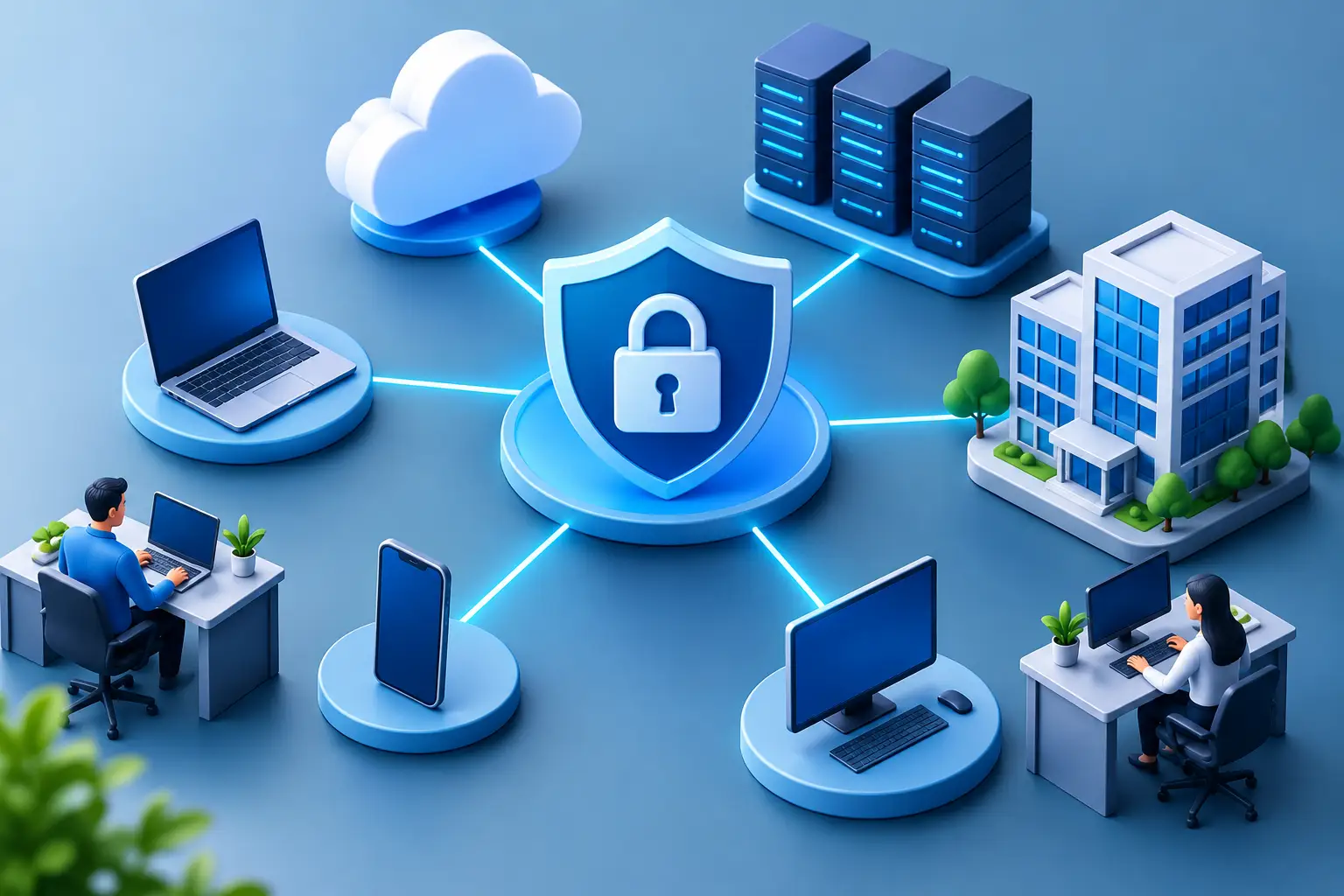
The first step is to map what is connected to the network. This includes laptops, desktops, mobile phones, servers, printers, wireless access points, routers, and cloud services. Also record which data is important for operations, where it is stored, and who needs to work with it.
This does not have to be a heavy task that ends in a document no one opens again. A good overview is a living operational asset. It facilitates new hires, terminations, troubleshooting, and responses to security incidents. If it is not known which devices are on the network, it is not possible to confirm that they are updated or protected.
Protect identities before trusting devices
Most break-in attempts start with a stolen or weak password. Multi-factor authentication should be the default for email, cloud storage, remote access, financial systems, and administrative accounts. It significantly reduces the likelihood that a stolen password alone will be sufficient for a break-in.
A password manager helps staff use long and unique passwords without having to remember them all. Equally important is to stop sharing common logins. When everyone uses the same account, it becomes difficult to track changes, remove an individual's access, and identify misuse.
Access should be role-based. The accounts department does not automatically need access to all technical systems, and a developer does not need to retain access after a project is completed. Fewer privileges reduce damage if an account is compromised.
Segment the network by role
Not all devices should be able to communicate freely with each other. Staff networks, guest networks, printers, surveillance cameras, and other smart devices should generally be separated. If an infection occurs in one area, such segmentation can limit its spread and give the IT team time to respond.
Wireless networks require strong encryption, a well-chosen password, and clear configurations. Guests should be able to access the internet without gaining access to the company's documents, services, or devices. Companies with multiple locations or more complex systems may need more detailed network segmentation, but even simple segmentation is a major improvement over a single open internal network.
Control the devices that connect
A secure network connection will not be stronger than the weakest device on it. Operating systems, browsers, applications, and network equipment require regular updates. Updates are not just new features. They often fix known security vulnerabilities that attackers deliberately seek out.
Centralised device management provides an overview of whether encryption is enabled, whether security updates have been installed, and whether devices meet defined criteria before they are allowed access to company systems. Endpoint protection can then detect suspicious behaviour, isolate infected devices, and support faster responses.
Balance is important here. Overly strict rules can make it difficult for staff, especially when travelling or on temporary assignments. However, exceptions should be logged, approved, and reviewed – not become a permanent bypass of security.
Make remote work secure without unnecessary complexity
Remote work requires the company to define which systems may be accessed outside the office and under what conditions. Encrypted remote connections, multi-factor authentication, and managed devices are the foundation. Access should be limited to the systems that the individual needs to use, rather than opening up the entire internal network.
Open Wi-Fi connections at hotels, cafes, and airports are not the right place for sensitive business data without adequate protection. Staff need clear instructions on how to connect, what they can save locally, and where to turn if a device is lost or behaves unusually.
Monitor the signs and practice the response
Security is not a task that ends when the equipment has been installed. Logs, alerts, and regular access reviews help to find deviations before they become serious incidents. For example, unusual login activity, a new device, or a number of failed login attempts can provide important clues.
Alongside monitoring, a response plan is needed. Who decides to disconnect a device? Who contacts staff, customers, or service providers? How is data recovered if an attack is successful? The answers don't need to be long, but they need to be ready before the pressure arises.
Tested backups are key. A backup that cannot be restored in the required time is not real business continuity. Tests also show which systems need to be restored first for the company to continue serving customers and completing tasks.
Make security a regular business process
A secure network connection is built on repeated habits: reviewing user access, removing unused devices, installing updates, checking backups, and training staff to recognise phishing emails. Short and practical training works better than a single long presentation that is forgotten a week later.
It also makes sense to get an external assessment when the internal team lacks the time or specialisation to review the big picture. nexIT works with companies to simplify this management, from daily system administration and user support to security monitoring, backups, and response plans.
Choose measures based on risk, not fashion
Not all companies need the same solution. A company working with sensitive personal or financial data often requires stricter access control and more detailed logging than a company with simpler systems. A company with distributed staff, on the other hand, needs to place greater emphasis on secure remote access, device management, and standardised work practices at employees' homes.
Ask simple questions: What disruption would cost us the most? What data must we not lose or allow to leak? How quickly do we need to be able to work again after an attack or failure? The answers help to prioritise. They also prevent you from paying for a complex technical system that does not solve a real business problem.
A secure connection is not a visible achievement on a good day. It is seen when staff can work safely, when customers feel trust, and when the company responds systematically to unexpected stress. Start with the overview, fix the biggest weaknesses first, and then build up security that supports operations day after day.