When is MFA required and where does it matter most?
The keyboard types in the correct password, but the person logging in is not your employee. Many serious cyberattacks begin this way – not with a technical breach of systems, but with a stolen password from a phishing email, a reused password, or a data leak from another service. The question of when MFA is needed is therefore not just about technical setup. It is about what access a company can afford to lose.
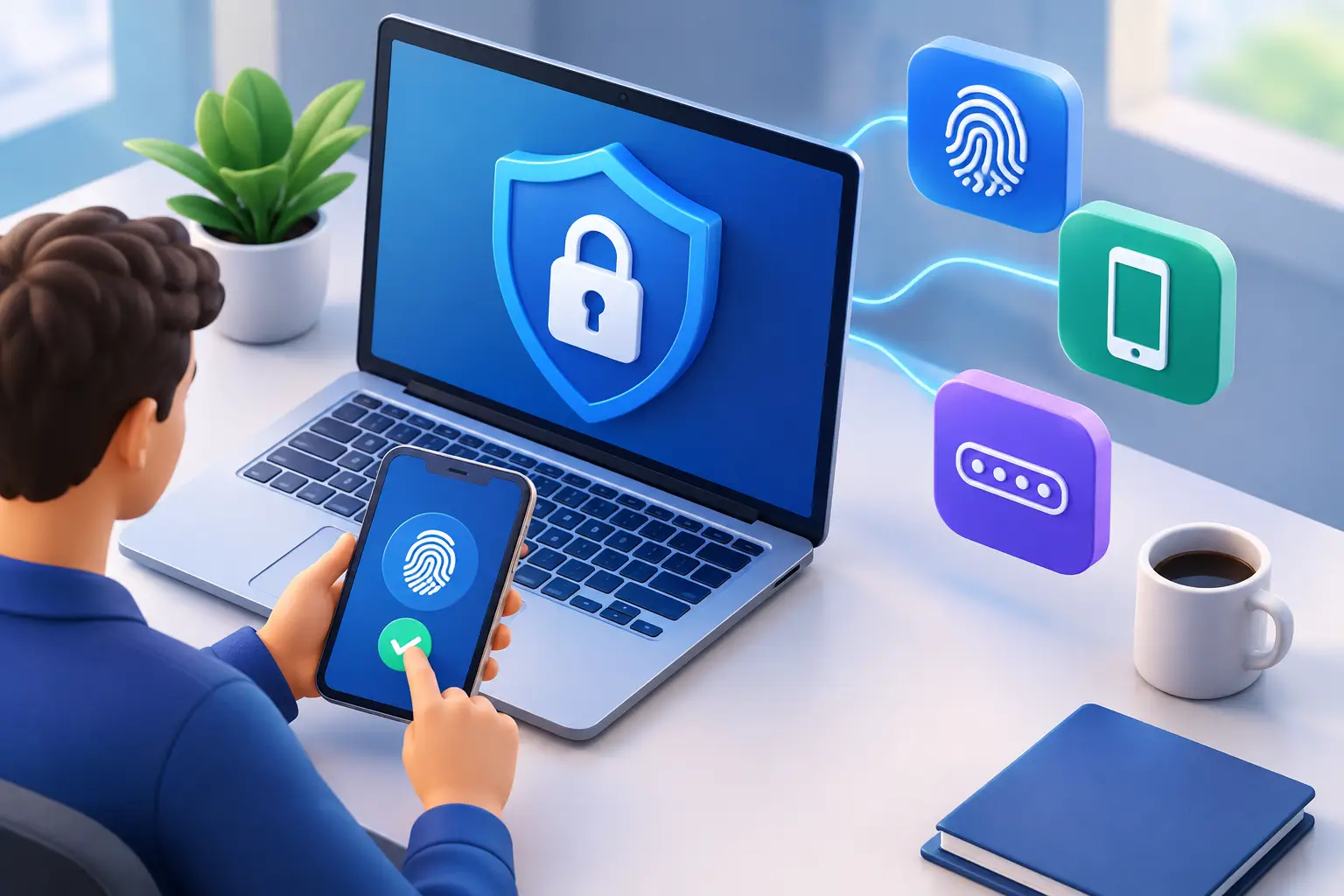
Multi-factor authentication, often called MFA, requires a user to verify their identity with more than one element. This could be, for example, a password combined with confirmation in an authentication app, a security key, or biometric data on a device. If the password alone falls into the wrong hands, it is not enough to gain access.
For small and medium-sized businesses, MFA is one of the most cost-effective ways to reduce risk without building a complex security system. However, it does not replace good access control, up-to-date devices, or backups. It is one important layer of defence that keeps operations running when something goes wrong.
When should MFA be a requirement?
The short answer is: almost always when access can affect the company, its customers, or its finances. The longer answer is that the priority is determined by which systems are used, where staff work from, and what data is accessible.
MFA should be a requirement for all user accounts in email and cloud services. Email is usually the key to other systems, as it is where password resets, invoices, contracts, and customer communications are received. Someone who gains control of an inbox can often reset access to many other services without immediately raising suspicion.
It must also be enabled for administrators, finance teams, HR, and anyone with elevated privileges. The consequences here are greater than when a regular user account is attacked. An account with administrative access can change settings, create new users, disable security features, or retrieve large amounts of data in a short time.
Remote connections, VPN access, remote desktop solutions, and service provider control panels should also require MFA. When staff work from home, travel, or use their own internet connection, it is no longer possible to rely on the office network being the only layer of defence. Access must verify the user, not just their location.
Systems that should be prioritised
If a company is starting implementation, it does not need to solve everything at once. It is best to start where a single stolen login can cause the most damage. The first priority is usually email and collaboration systems, followed by financial and payroll systems, customer data services, and administrative access.
Don't forget service accounts and external parties. The accounting firm, web designer, software consultant, or operator might have access to important systems. That access must be personalised, limited to what the individual needs, and protected with MFA. Shared login accounts make traceability difficult and create unnecessary risk.
The same applies to password managers. Keys to many business systems are often stored in one place. MFA on a password manager can prevent a single weak or reused password from opening the door to all operations.
Risk matters more than company size
A common misconception is that MFA is primarily necessary for large companies or those handling particularly sensitive personal data. However, attackers often target smaller companies precisely because their defences are weaker and their response times are longer. A company with ten employees can lose just as much proportionally due to locked email or incorrect payments as a large company due to a similar incident.
The risk increases when the company stores personal data, business contracts, payment information, intellectual property, or confidential documents in the cloud. It also increases when staff have easy access to systems from multiple devices or when many external parties connect to the environment.
Regulations and contractual obligations can also make MFA a standard requirement. Customers, insurance companies, and partners increasingly request confirmation of basic security measures. It is better to be able to demonstrate active access control than to have to explain afterwards why it was not in place.
MFA does not protect against everything
Multi-factor authentication significantly reduces the risk associated with stolen passwords, but it is not a magic bullet. A user can still approve a fraudulent login by mistake, especially if the attacker sends repeated confirmation requests to their phone. This is sometimes called MFA fatigue.
SMS confirmation is better than no additional confirmation, but it is not always the best option. Phone numbers can be misused, and messages can be delayed or sent to the wrong place. Authenticator apps and security keys generally provide better protection. For administrators and accounts with high levels of access, it makes sense to choose the strongest method supported by the systems.
We also recommend reviewing the confirmation process itself. Staff should know that they should never approve a request they were not expecting. If an unexpected request appears, the correct response is to reject it, change the password if suspicious, and inform IT staff. Technology works best when procedures support it.
How to implement MFA without unnecessary disruption?
Poor implementation can create unnecessary stress for staff and support teams. A well-organized implementation, however, is simple, predictable, and can be carried out in stages. First, you need to map out which systems are in use, who has access, and where elevated privileges lie.
Next, determine which methods suit each group. Most users can use an authenticator app on their work or personal phone, according to the company's clear policy. Staff working with sensitive systems or who have administrative privileges may require a security key. It is also necessary to define a secure process for those who lose their phone, change devices, or are without a mobile phone at work.
A good implementation often starts with a small pilot group. This reveals technical deviations, systems that do not support the chosen method, and the need for clearer instructions. Once the process is refined, it can be rolled out to the next group, with timing and support suited to the operation.
Access recovery must be managed with the same diligence as the initial setup. Backup codes should not be left unprotected in an inbox or on a desk. An employee calling to request a reset must go through a verifiable process. Otherwise, recovery will become the weakest link.
MFA must follow good access control
A company does not gain the full benefit of MFA if former employees retain access, everyone has broader privileges than they need, or accounts are not regularly reviewed. MFA verifies who is logging in. Access control determines what that person can do after logging in.
Therefore, the company should have a simple process for when people start, change roles, or leave. Access should be granted based on role, not convenience, and removed immediately when no longer needed. Regular review of administrator access and external parties can prevent old permissions from becoming open doors.
At nexIT, we approach this as an operational task, not a standalone security initiative. We help companies identify their most critical access points, choose an implementation that staff can manage, and follow up on it in daily system administration. The goal is not more complex rules, but a lower risk of operational disruption and clearer risk management.
It is right to implement MFA before it becomes a requirement due to an incident, insurance terms, or a customer dispute. Start with email and accounts that can halt operations, set clear rules for exceptions, and ensure someone is responsible for keeping them working. This is a simpler way to protect the company than trying to regain control after access has already slipped through your fingers.