Effective endpoint security solutions
The laptop an employee uses at home, the phone that opens emails, and the computer at reception are all potential entry points into a company's operations. Endpoint security solutions are therefore not just about installing antivirus software. They are about keeping devices, users, data, and daily operations under control – before one wrong click or an un-updated computer becomes a costly incident.
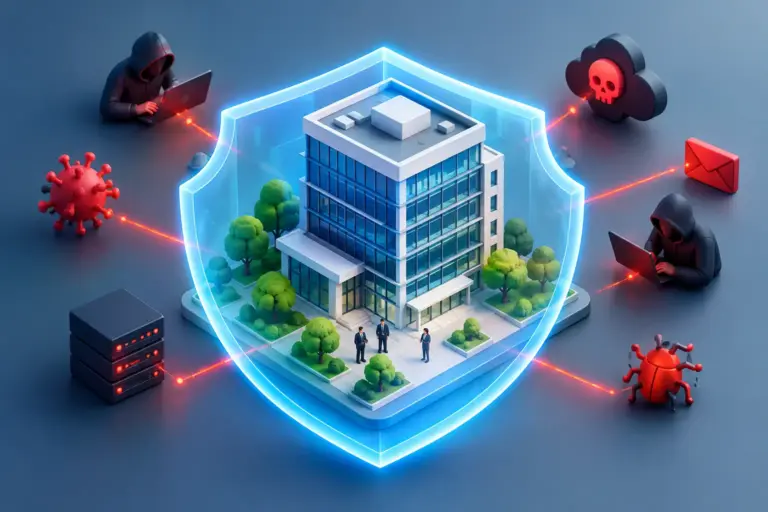
For small and medium-sized businesses, the risk rarely lies in someone specifically targeting them. It is more common for attackers to look for unprotected devices, stolen passwords, outdated software, and staff who receive convincing phishing emails. When a device is the entry point, the consequence can be downtime, data loss, operational disruption, and damage to customer trust.
What is an endpoint – and why does it matter?
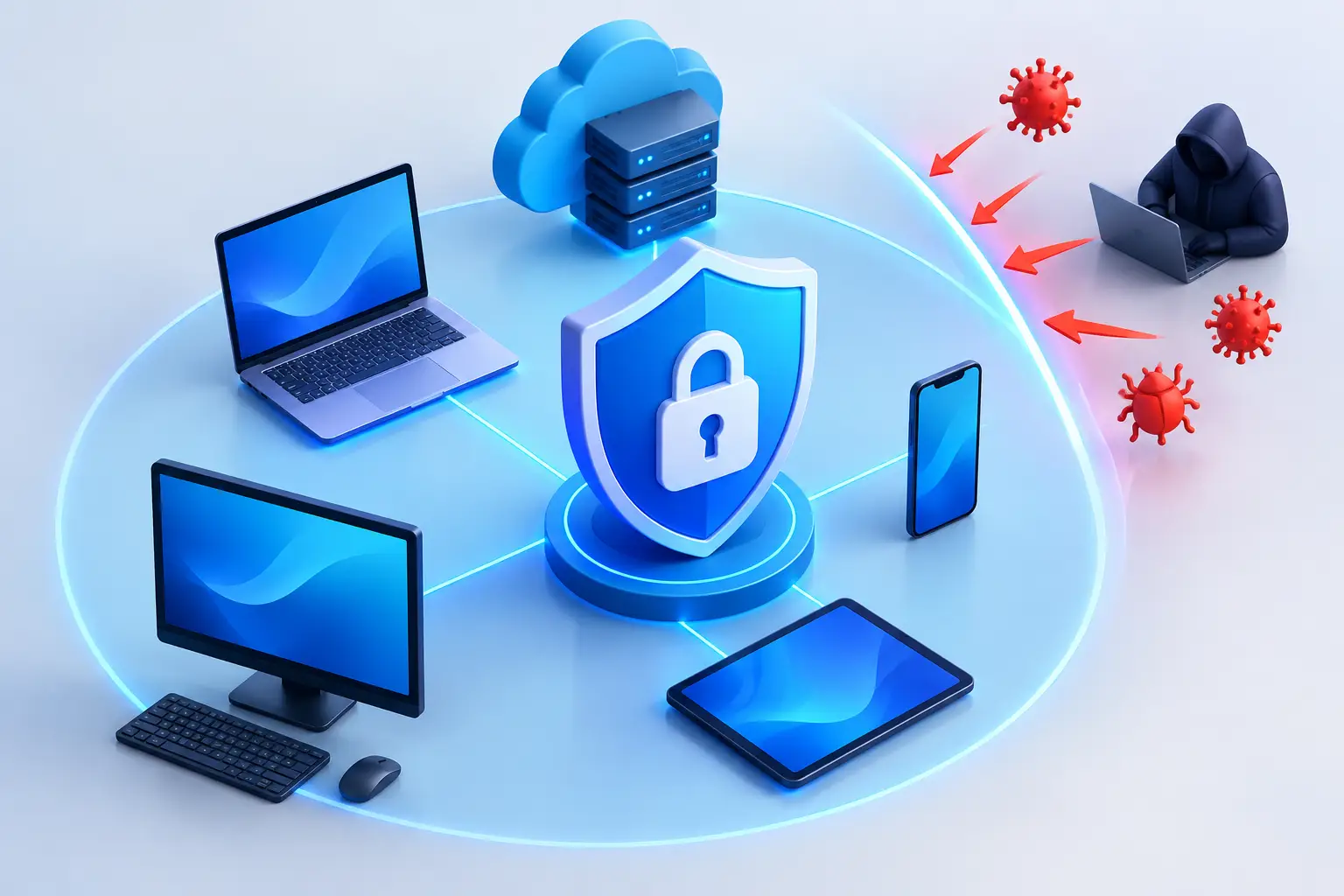
An endpoint is any device that connects to a company's systems or works with its data. This includes office computers, laptops, mobile phones, tablets, and sometimes specialised operational devices. A device in the office is not automatically safer than a device used at home. Both can open malicious attachments, connect to an insecure network, or store sensitive information.
As companies grow, the technology landscape often becomes more complex without anyone making a conscious decision about it. An employee gets a new laptop, another works from their own phone, applications are installed to solve urgent tasks, and updates are delayed due to lack of time. Gradually, it becomes difficult to answer simple but important questions: Which devices have access to our data? Are they up to date? Who owns them? Can we shut them down immediately if they are lost or an employee leaves?
Endpoint security provides administrators with visibility and the ability to react quickly. It is an operational matter, not just a technical one. If a company does not know where its data is or the condition of its devices, both the risk and the cost will be greater when something goes wrong.
Endpoint security solutions are more than just one application
Antivirus software is still important, but it is not sufficient on its own. Modern attacks often rely on stolen login credentials, insecure applications, weak passwords, or the misuse of user privileges. Good endpoint security solutions therefore combine protection, monitoring, and clear rules for devices.
First, unusual behaviour needs to be detected. Endpoint protection with detection and response not only monitors for known malicious files but can also flag suspicious changes, abnormal logins, or attempts to encrypt large amounts of files. The goal is to stop or isolate devices before the problem spreads across the network.
Next, centralised device management is needed. It allows administrators to see which devices are in use, set up updates, verify security settings, and revoke access when necessary. This is especially important in companies with hybrid work arrangements, where it cannot be assumed that all devices are always in the same location or on the same network.
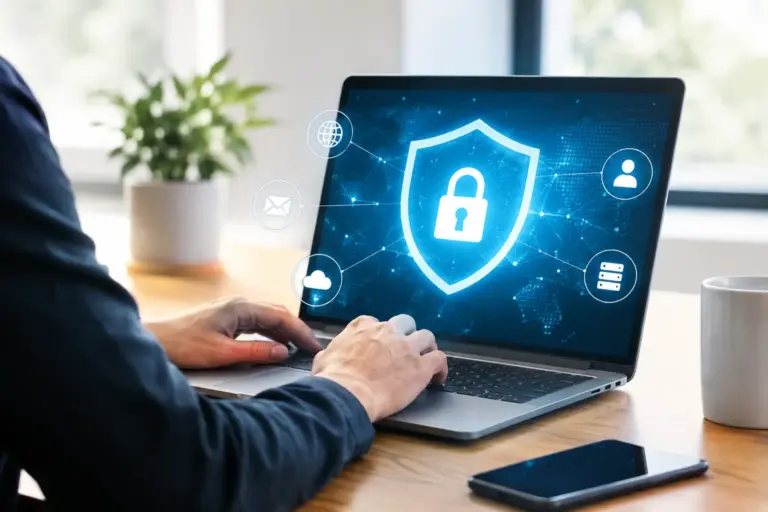
Access control is the third key element. Strong passwords, a password manager, and multi-factor authentication significantly reduce the likelihood of a stolen password leading to a breach. An employee should also not have more access than they need to perform their job. If a computer in reception is attacked, it should not automatically grant access to financial systems, administrative data, or shared customer records.
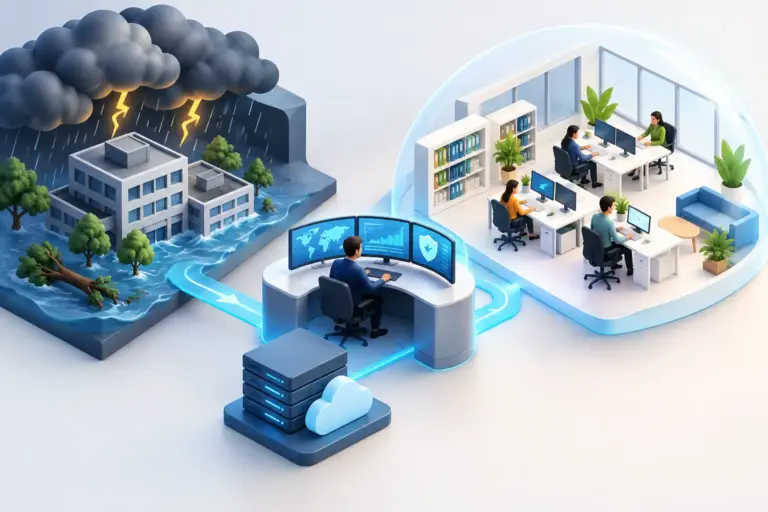
Finally, a reliable backup and recovery plan is needed. Endpoint protection reduces the likelihood of an incident, but no solution eliminates them entirely. A backup that is not tested is a hope, not a response plan. The company needs to know what data will be recovered, how quickly it can happen, and who is responsible for decisions if systems fail.
Where vulnerabilities often lie
The biggest vulnerability is not always the most technically complex system. It can be a laptop that hasn't received a security update in months, a user who reuses the same password, or a former employee who still has access to cloud storage. These vulnerabilities become dangerous when no one has a holistic view of the environment.
Unmanaged personal devices are also a common issue. In some companies, it is justifiable to allow employees to use their own phone or computer, especially for temporary tasks. However, it must then be defined what can be opened, what data can be stored on the device, and whether company data can be removed without affecting the user's personal data. In other cases, it is more practical and secure to provide managed work devices.
Depending on the nature of the business, customer requirements, and data sensitivity, the stricter the rules need to be. A company working with financial information, health data, or confidentiality agreements generally requires more control than a company with a simpler environment. However, all companies must be able to answer who has access to important data and how that access is protected.
Start with visibility, not a shopping list
It is tempting to solve concerns by purchasing a new security tool. But if no one is responsible for setup, monitoring, and response, the new tool will quickly become just another expense. The right first step is to map the situation: devices, users, applications, access levels, updates, and backups.
From that analysis, a prioritisation can be built. Devices that access sensitive data, administrators with extensive rights, and users working remotely should often receive initial attention. Then, baseline settings can be harmonised, automatic updates set up, logins strengthened, and unnecessary access removed.
This does not have to be a long transformation project that disrupts daily operations. A well-implemented introduction proceeds in phases, with clear communication to staff and minimal disruption. The goal is not to make work harder, but to prevent minor mistakes from causing major disruption.
Protection that no one monitors is not sufficient.
Security systems send alerts, but an alert does not protect the company unless someone evaluates it and responds. If suspicious activity is detected in the evening, it must be clear whether a device is isolated, who contacts the user, and how critical information is preserved. Daily system management is just as important as the technology itself.
At nexIT, we work with this responsibility as a continuous operation: we monitor devices, assist staff, maintain security settings, and link protection to backups, access control, and response plans. This way, the company does not have to rely on one employee to remember every update or interpret every security alert.
Regular review is also important. Staff change, devices age, new applications emerge, and business requirements evolve. Security that was sufficient a year ago may be insufficient today. A short, regular assessment of the situation is usually both cheaper and less disruptive than responding to a serious incident.
Protect operations without unnecessary complexity.
Good endpoint protection should support operations, not create endless obstacles. Overly strict rules that staff constantly try to circumvent can increase risk. Overly weak rules, however, make the company reliant on luck. The solution lies in clear minimum standards, the right access level, and support that staff receive when they need it.
The question is therefore not whether the company needs to protect its endpoints. The question is whether anyone has the overview, responsibility, and ability to respond before one device becomes an operational problem. When that responsibility is clear, IT becomes simpler to manage, and the company is better equipped to continue, even when something goes wrong.