How do you secure remote access for employees?
When an employee opens a business system from their home office, while travelling, or via their own network, they are not just connecting to work – they are connecting the company to an environment that you do not fully control. The question is therefore not just how to secure remote access for employees, but how to do it without delaying people, complicating daily tasks, or increasing costs with unnecessarily many systems.
Remote access has become a normal part of operations for many companies. It supports flexible working arrangements, faster service, and better collaboration between locations. At the same time, a single stolen password, an un-updated laptop system, or an unsecured network can open a path to emails, files, financial information, and customer data. Security must therefore be based on clear operational policies, visibility, and response capability – not just a single technical solution.
How do you secure remote access for employees in practice?
Secure remote access starts with a simple rule: an employee should only be granted the access they need to do their job, and the company must be able to verify who is connecting. This is often called least privilege, but in operations, it simply means that an accountant does not automatically have access to management systems, and a former employee cannot log in after their last day of work.
Many companies start by buying a new security system but leave old access groups, shared passwords, and undocumented exceptions. This reduces the value of the investment. A better start is to map out which systems staff use outside the office, which data is sensitive, and which roles need access to what. Then it will be possible to choose simpler and more targeted defences.
Authentication must withstand stolen passwords
A password alone is not sufficient protection for email, cloud services, remote control, or management systems. Phishing remains one of the most common ways for attackers to gain entry into a company, and a well-crafted phishing email can fool an experienced employee on a busy day.
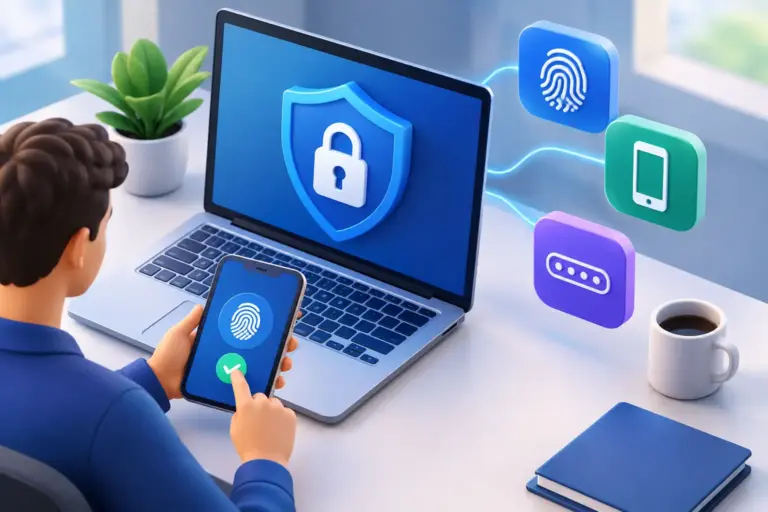
Multi-factor authentication adds a verification step, for example in an authenticator app, a security key, or via biometric authentication on a device. If a password is leaked, the attacker must then also obtain another factor. Not all methods are equal. Verification in an app or with a security key generally provides better protection than SMS, which can be vulnerable to phone number misuse.
This defence must first reach the most important systems: email, file storage, remote access systems, financial systems and administrator access. Administrator accounts must be protected especially, as a single login can grant extensive access. Furthermore, there must be a process for staff who change phones or lose devices, so that the security measure does not become a service impediment.
The device is part of the access
It matters little if a login is well protected if the laptop connecting to the system is not updated, full of unknown applications, or without encryption. Remote access should be based on trusted devices, not just trusted users.
Companies need to know which devices have access to their data, who is responsible for them, and whether they meet minimum requirements. This applies to both laptops and phones. Managed device management makes it possible to see the status of updates, require screen locks, enable encryption, and erase company data from a lost or stolen device when necessary.
Employees' own devices may be suitable in specific cases, but then the boundaries must be defined. Is it permitted to save attachments on the device? Are only web versions of systems allowed? Can the company remove data if an employee leaves? The answer depends on the nature of the data and regulations, but an unclear policy is always a risk.
Endpoint protection must also detect suspicious behaviour, such as unusual logins, attempts to run malicious files, or encrypt data. Such tools do not replace regular administration. Alerts that no one reviews do not help when a crisis arises.
Home and travel networks are not company networks
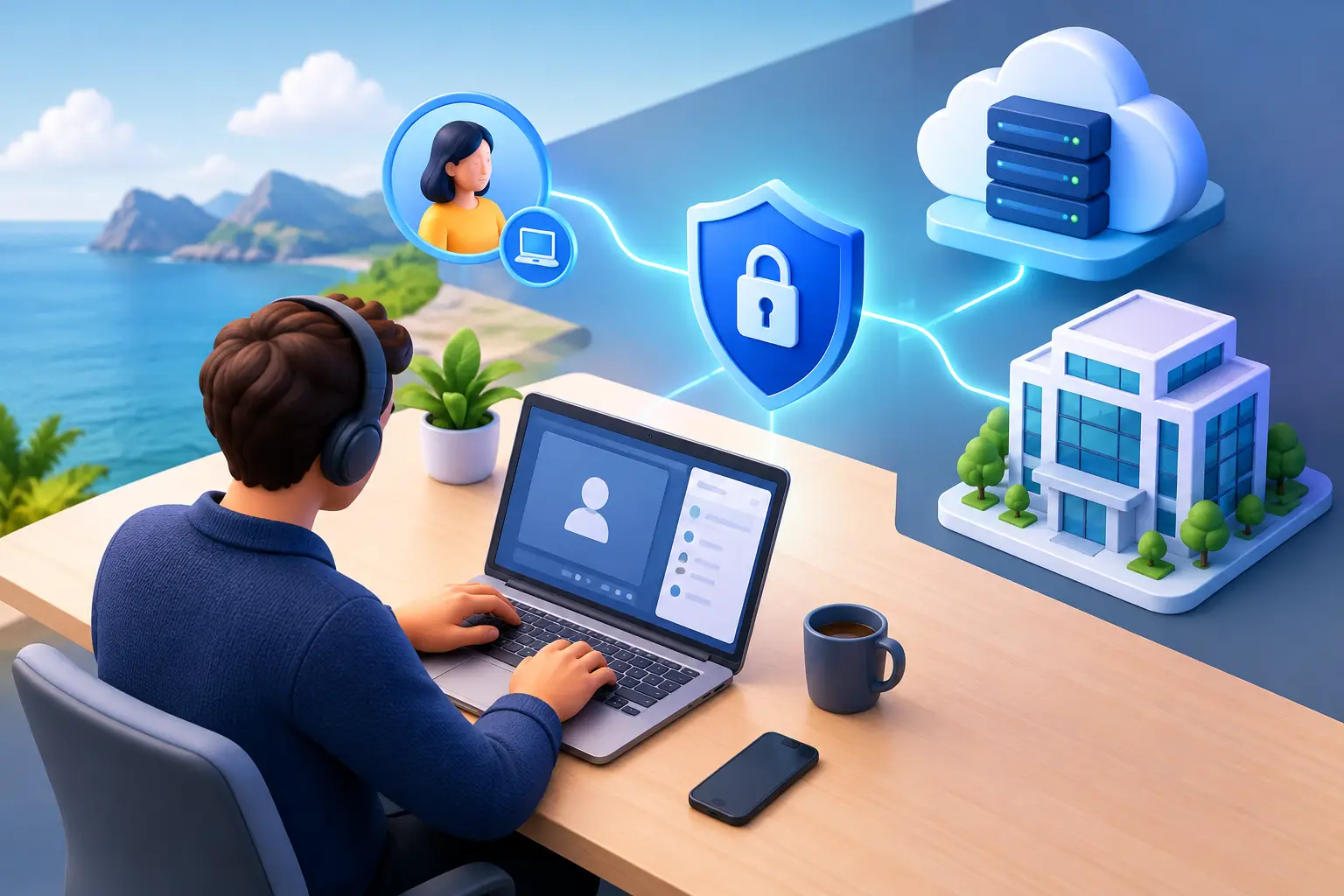
An employee may be sitting in a secure home but connecting to a vulnerable wireless network, using a public network at an airport, or sharing an internet connection with other devices not controlled by the company. Therefore, traffic must be protected and access directly from the internet limited.
Secure remote connection or access based on an authenticated user session can reduce risk. Which method is best depends on the systems being used. A company with older systems hosted on-premises may require a different approach than a company working almost exclusively in cloud services. The goal, however, is the same: that internal systems cannot be accessed with a simple login from an unknown device or network.
It is equally important to close services that do not need to be visible on the internet. Remote control tools, web servers, and management interfaces are popular targets. If they are open without clear restrictions, the company becomes dependent on no vulnerabilities being found – which is not realistic risk management.
Access control is a daily operational task
Secure access to the shore often fails in HR processes rather than in technology. A new employee is granted access quickly to start work, but no one reviews permissions when a role changes. Then an employee leaves, and access persists in a system no one remembers anymore.
A good process connects recruitment, role changes, and termination. An administrator approves access as needed, access is documented, and it is reviewed at regular intervals. Upon termination, access must be revoked the same day, active sessions must be cancelled, and it must be ensured that company data does not remain in personal accounts or devices.
Shared user accounts are particularly problematic. They make it difficult to track who made a change, and they often continue to be used after staff change roles. If shared access is unavoidable, for example for a specific service system, it must be managed with a password manager, approved access, and logging of usage.
Staff need simple rules and practical assistance
A security policy that only the IT department understands will not be followed. Staff need clear instructions on what to do when they receive suspicious email, lose a phone, or need to work from another country. They also need to know where to turn without fear of having made a mistake.
Regular, short training sessions are usually more effective than a long course once a year. Examples from a real workday work best: a request from the 'CEO' for a payment, a login page that resembles Microsoft, or an unexpected request to approve authentication on the phone. The goal is not to make staff suspicious of everything, but for them to pause and verify when something doesn't seem right.
Furthermore, the service must be accessible. If an employee cannot get help quickly when multi-factor authentication fails or a device needs an update, they will often find an insecure workaround. Security and a good user experience should therefore support each other.
Test whether the defence works when something goes wrong
No defence is perfect. Therefore, the company must be able to react quickly when there is suspicion of a stolen account or an infected device. Can you block access immediately? See which systems the user accessed? Isolate a device without halting all operations? Recover data if an attack reaches further?
Backups are an important part of this, but they must be tested. A backup that cannot be restored under time pressure is not real resilience. The same applies to a response plan that lies unread in a folder. Clear responsibilities, updated contacts, and practised actions shorten response times when minutes matter.
At nexIT, we approach this as an interplay of daily administration, device protection, access control, and recovery planning. Companies do not need to gather a complex collection of solutions to achieve good results. They need to know what they own, who has access, and who responds when deviations occur.
Secure remote access should not be a barrier for flexible staff. When access, devices, and responses are under control, it will instead become a solid foundation for ongoing operations – whether staff work from the office, home, or elsewhere.