How to choose IT services for the company
Short Summary
Start by defining the company's needs: write down the tasks that employees perform and which systems must not be interrupted. Then compare IT service quotes item by item, specifying response time, service time, coverage, and reporting.
- Write down all tasks related to computers, software, and the internet.
- Rank the systems by importance, with those that stop revenue or involve sensitive data at the top.
- Request detailed response times for three levels: the entire company, one department, and an individual.
- Ask how the service provider tests data recovery, because a backup that has never been tested is uncertain.
- Do not sign an agreement where response times, liability, and data export are unclear.
Table of Contents
- Start by defining the company's needs
- What should be included in IT services
- Comparison of IT services: what to compare
- Cybersecurity services for companies: what to check
- Costs of IT services and outsourcing
- IT service agreement: what to include
- Next step: request a quote from nexIT
- Frequently Asked Questions
Start by defining the company's needs
Most companies purchase IT services too late and without a clear idea of what they need. Choosing the right IT service starts with understanding your own needs, not by comparing price lists.
When you define your needs, you will get better quotes and less uncertainty. You will also see if you need daily support, network security, backups, or all of these together. Here are the first steps.
Last updated: 30 October 2026
Start by defining the company's needs
Most companies purchase IT services too late and without a clear idea of what they need. Choosing the right IT service starts with understanding your own needs, not by comparing price lists.
A good start is to write down what employees do every day. This shows where technology needs to work best.
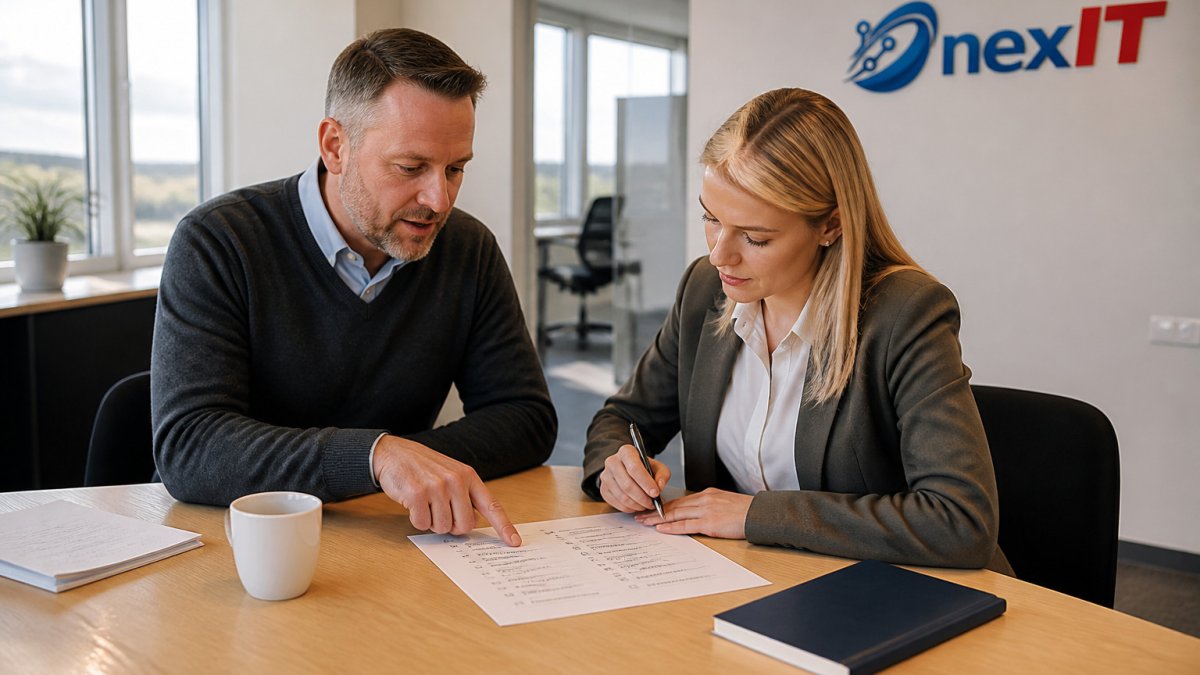
What tasks do employees currently perform?
Write down all tasks related to computers, software, and the internet. Include:
- System logins and password changes
- Printers, scanners, and meeting equipment
- Email, documents, and file sharing
- Setting up new devices for new staff
Find out who is currently responsible for this. Often, it is an employee who does this as a side task. This is a sign that you need support.
What must not be interrupted?
Ask yourself which systems cause damage if they are down for a day. Common examples are:
- Accounting and invoicing
- Mail server and customer communication
- File system with project data
- Payment and ordering systems
Rank the systems by importance. At the top should be those that stop revenue or involve sensitive data.
What should be included in IT services
Good IT services cover more than just troubleshooting. They should handle daily operations, security, and future planning.
Ask if the following items are included in the offer:
- Daily support for staff with clear response times
- Monitoring of devices and software updates
- Network security, including protection against phishing
- Data backup and testing of their recovery
- Regular report on the status of the systems
If any of these are missing, you need to ask about the additional cost. Some service providers only offer a response when something breaks, and that is not the same as preventative service.
Comparison of IT services: what to compare
Comparing IT services is not just about price. Compare service levels, response times, and what is included, but do so in writing so that offers can be compared line by line.
Start by setting up a comparison table in a spreadsheet. For each service provider, record:
- Response time by severity: How many hours pass from notification until work begins? Define three levels: disruption to the entire company, disruption to one department, and individual problems. Request the times in writing.
- Service hours: Is support available during office hours, extended hours, or around the clock? Check if outside office hours is included or charged separately.
- Procedure and escalation: Who takes over a case, when is it escalated, and how is the status communicated? Good providers describe the process in their service description.
- Coverage: Does the service cover workstations, network equipment, servers, cloud services, printers, and mobile devices? Some limit themselves to specific devices.
- Reporting: Do you receive a monthly report on incidents, response times, and security status? If not, how do you see if the service is being delivered?
- Experience and references: Has the provider worked with companies of similar size and operation? Ask for two or three references and call them.
Put prices and services in the same table. The cheapest offer can turn out to be the most expensive if the response time is long or backup is not included.
Once you have filled the table, prioritise according to what cannot be stopped. If mail and accounting are the most important, demand clear response times for those systems specifically. Ask for a written offer and compare it item by item with other providers. A price without defined service means little.
The following table summarises the items to be compared when reviewing offers.
| Item | What to record | Comment |
|---|---|---|
| Response time | Three levels: entire company, one department, individual | Request the times in writing |
| Service hours | Office hours, extended hours or 24/7 | Check if out-of-office hours are charged separately |
| Procedure | Who handles a case and how is escalation managed | Described in the service description |
| Coverage | Workstations, network equipment, servers, cloud, printers, mobile phones | Some limit themselves to specific devices |
| Reporting | Monthly report on incidents, downtime and security | Without reports, you won't see if the service is delivering |
| Experience | Two to three benchmarks from comparable companies | Call the benchmarks |
Cybersecurity services for companies: what to check
Cybersecurity services for companies should start with the basics. Many damages occur due to simple things like weak passwords and unapplied updates.
Check specifically:
- Two-factor authentication on the mail system and key systems
- Protection against phishing and spear-phishing
- Regular backups stored off-site
- Incident logging and response plan
Ask the service provider how they test data recovery. A backup that has never been tested is an uncertain backup. You can also read the National Cyber Security Centre's guidelines on basic defences for businesses.
Costs of IT services and outsourcing
The cost of IT services depends on the number of users, the scope of the systems, and the services included. Pricing depends on the scope of the service and the elements included. For an accurate price, it is best to check the nexIT website or request a quote.
Price is determined, among other things, by:
- Number of staff and devices
- Scope of cybersecurity and backups
- Response times you require
- Whether you want to outsource the entire department or part of it
Many companies with a single IT employee ask if outsourcing is worthwhile. The answer depends on how much time is spent on support and how much risk is involved in failures. See when to outsource your company's IT before making a decision.
Always ask for a quote that shows the price for each service separately. This way, you can see what you are paying for.
IT service agreement: what to include
An IT service agreement is just as important as the quote itself. On the page Managed IT for Businesses That Keep Running, you can see how regular system maintenance is structured in practice. It determines what happens when something goes wrong, who is responsible, and how you can exit the partnership if it doesn't work out.
Ensure that the agreement clearly specifies the following items:
- Scope and exclusions: What services are included, what is extra, and what is excluded. List devices, systems, and locations.
- Response times by severity: Times from notification to response and to resolution, categorised by level. These should be measurable and linked to reporting.
- Service hours and availability: When is assistance available, how to make contact, and which channels are permitted.
- Liability and compensation: What happens if response times are not met or if data is lost? Some contracts have a liability cap; check if this cap is realistic.
- Data and privacy: Who owns the data, where is it stored, who has access, and how is personal data processed. If you work with sensitive data, such as in healthcare, ask how the service provider meets privacy requirements and whether a data processing agreement is in place.
- Backup and recovery: How often are backups performed, where are backups stored, and how often is recovery tested? Ask for a detailed description of the process.
- Termination and data export: What is the notice period, how is data returned, and in what format? This should be clear before signing a contract.
- Metrics and reporting: What factors are measured, response time, uptime, number of incidents, and how often is a report submitted?
Do not sign a contract where response times, liability, and data export are unclear. Ambiguity in a contract often becomes apparent when it matters most.
Review the contract with someone who understands the operations and, if sensitive data is involved, with a lawyer. A good contract clearly describes the collaboration and makes it easier for both parties to assess performance.
Information on privacy and personal data processing
Next step: request a quote from nexIT
You now have a list of needs, what needs to be included, and questions about agreements. The next step is to compare this with an actual offer.
Contact nexIT and tell us about your systems, staff, and what cannot be interrupted. We will review your needs with you and provide a quote showing what is included.
Frequently Asked Questions
How do I choose IT services for my company?
Start by listing the systems and tasks that are most important for operations, such as email, accounting, data backup, and network security. Then compare at least three service providers based on their response time, how they measure service levels, and whether they offer detailed service agreements. Request a quote that specifies what is included, and ensure the price is clear. Pricing depends on the scope of the service, and for an accurate quote, it is best to contact nexIT.
What should be included in IT services?
General IT services typically cover monitoring of computer systems, updates, user support for staff, networks, data backup and recovery, and network security measures. Check if the service also includes out-of-hours monitoring and how quickly the service provider responds to failures. It is useful to compare the list of included tasks with the company's actual needs so that no items are missed. Contact nexIT for an overview of what our services include.
Is it more cost-effective to outsource IT or have an in-house specialist?
The answer depends on the scope of the activity. A company with one employee handling IT often has weak security and limited backup when illness or stress occurs. Outsourcing can reduce risk and provide access to more specialists, but the cost depends on the scope. Compare the total cost with labour costs, tools, and services, and consider the time saved. For a more accurate comparison, you can request a quote from nexIT.
How do I assess the cybersecurity of an IT service provider?
Ask how the provider protects data, whether they use multi-factor authentication, how backups are performed, and where the data is stored. Request a detailed description of the incident response plan in case of a cyberattack and check if the provider has regular security audits. Inquiries about these points quickly show whether the provider takes security seriously. At nexIT, cybersecurity is part of our comprehensive service, and we can go over these points with you.