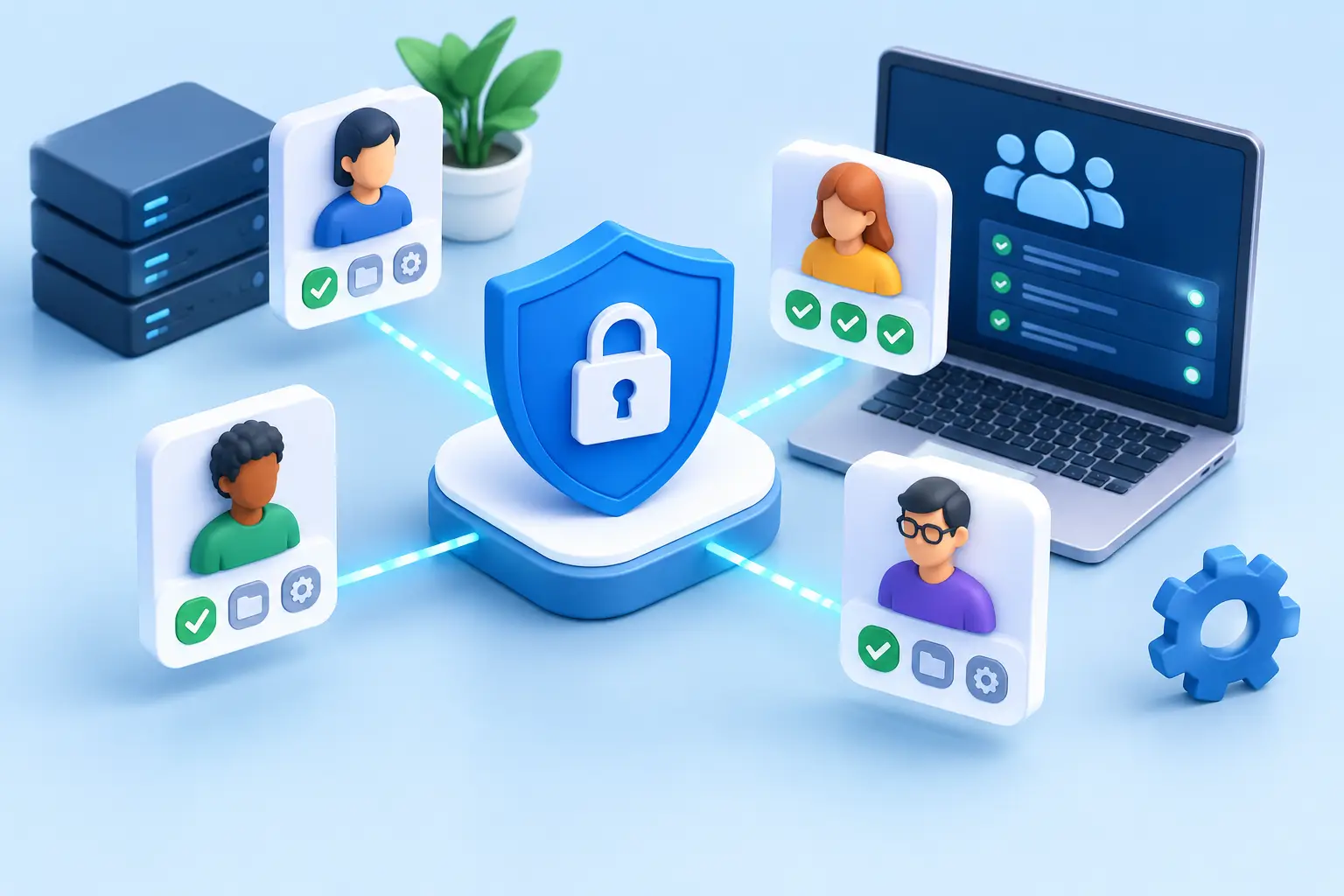
A Guide to Managing Corporate User Access
An employee leaves on Friday, but their access to email, cloud storage, and the business system is still active on Monday. This isn't just a minor administrative oversight. It's a security risk, a potential compliance breach, and an unnecessary expense. Therefore, a good guide to managing user access starts with a simple question: who has access to what data and systems – and why?
For small and medium-sized businesses, access control can seem self-evident until the operation grows. New employees, contractors, remote work, more applications, and more sensitive data quickly create an environment where no one has an overview. The goal isn't to complicate daily work with restrictions. The goal is to ensure that staff have the right access at the right time, but no more access than their tasks require.
Why User Access Management Matters to Your Business
User access is key to a company's operations. It allows for reading emails, changing payment details, downloading documents, installing software, or deleting data. When access is not managed, a single stolen password or old access can open a path into systems that should have been protected.
The consequences aren't always dramatic at first. They often appear as unnecessary license costs, an employee who can't get access when they need it, or a service desk that spends valuable time resolving unclear access issues. More serious incidents can include data leaks, fraud, ransomware, or operational downtime.
Well-organised access control supports both security and efficiency. It speeds up onboarding for new employees, simplifies audits, and enables the company to respond quickly when roles change or incidents occur. So, this isn't solely about IT. It's about managing risk, costs, and business continuity.
Start with an Overview, Not a New Tool
A common mistake is to buy a new security system before the fundamentals are clear. First, you need to know which systems are in use, which accounts exist, and who is responsible for them. This includes both obvious systems, such as Microsoft 365 and accounting systems, and those that are easily forgotten, for example, signature services, cloud storage, web management systems, and specialised operational applications.
Pay special attention to shared accounts. An account that multiple people use for service, sales, or administrative tasks makes it difficult to track changes and revoke access when an individual leaves. Where such access is unavoidable, clear responsibility, secure storage of login information, and regular review are necessary.
The overview does not need to start as a complex task. A list of systems, owners, user groups, and access types can show where the greatest risks lie. It will also form the basis for deciding what to fix first.
Categorise access by role
The best policies are usually based on roles, not individuals. An employee in finance naturally needs different access than an employee in sales, a manager, or an external contractor. When access is tied to a defined role, it is easier to add people, move them between jobs, and remove access without starting from scratch each time.
The principle of least privilege applies here. A user should only be able to do what is necessary to perform their job. This may seem slower at first, but saves time when an error occurs, an employee changes roles, or the company needs to demonstrate control over sensitive information.
However, it is not always correct to apply the same restrictions everywhere. A small team may need broader permissions to maintain speed, but this must be offset by stronger authentication, event logging, and regular review. Access control should suit the activity, not force the activity to work against sensible rules.
Make arrivals, changes, and departures predictable
Most access problems arise when staff start, change jobs, or leave. If the process relies on individual emails and managers' memory, gaps are inevitable. The company needs a simple, repeatable procedure that HR, managers, and IT can follow together.
Upon hiring, define the role, approve necessary systems, create a personal user account, and enable multi-factor authentication before the individual starts. It is also necessary to ensure the device is correctly set up, updated, and registered for management. A new employee should not have to share a password or use an old account to get started immediately.
When a job changes, older permissions must be removed as new ones are granted. Otherwise, access that is no longer needed accumulates. Upon termination, access must be closed or suspended at a defined time, revoke active sessions on devices, ensure data handover, and remove the individual from groups, mailing lists, and services. This must apply to contractors and temporary staff just as much as permanent employees.
Define responsibilities clearly
A manager usually knows when a role changes. The HR team knows when hiring or termination occurs. IT handles the implementation and monitors technical risks. When none of these parties own the process jointly, tasks can easily be overlooked.
It is useful to define who requests access, who approves it, who sets it up, and who confirms its closure. Simple logging provides traceability without making daily tasks cumbersome. A company with outsourced IT services should insist that these processes are documented and measurable.
Protect login details with more than one layer
Strong passwords are still important, but they are not enough on their own. A reused or stolen password can give an attacker access without them needing to break into a device. Multi-factor authentication adds a verification step, for example with an authenticator app or a security key, and significantly reduces the risk of stolen credentials.
A password manager helps staff use long and unique passwords without writing them down or sharing them in insecure messages. For shared systems, it can also grant access without everyone needing to see the password itself. It is a simple change that improves both security and service.
Special attention must be paid to administrator access. Accounts with permission to install software, change security settings, or create new users should be separate from an employee's regular daily account. They should only be used when necessary, protected by strong multi-factor authentication, and reviewed regularly.
Review access regularly
Access control is not a task that ends when policies have been written. The company is constantly changing, as are systems, tasks, and risks. Regular reviews help to find inactive users, overly broad permissions, forgotten contractors, and licenses that are no longer in use.
How often access needs to be reviewed depends on the size of the company, the nature of the data, and regulatory requirements. A company working with financial information, personal data, or sensitive customer data generally requires more frequent and formal reviews than a company with simpler systems. Most importantly, the review should lead to action, not just a checklist that no one follows up on.
Also examine incident logs and unusual login behaviour. Logins from unknown countries, unusual download speeds, or repeated failed attempts can be signs that action is needed before damage occurs. Properly configured monitoring allows IT teams to investigate such issues quickly.
When is it right to get help?
If the company relies on manual spreadsheets, shared passwords, and informal messages to manage access, it is likely time to tighten the process. The same applies if administrators cannot confidently answer who has administrator access or how quickly an employee who leaves is blocked.
nexIT can take responsibility for the daily management of users, devices, and security settings, as well as helping companies build simple procedures that suit the business. We focus on combining technical protection and practical service, so staff can work without unnecessary delays and managers have better control over risk and cost.
Start with one real test case: select an employee who recently left or changed roles and track all their access. What is revealed there often shows exactly where the next improvement project should begin.