Best tools for centralized access control
An employee leaves on Friday, but still has access to email, cloud storage, business systems, and password vault on Monday morning. This is not an unusual technical problem, but an operational risk. The best tools for centralized access control enable companies to close these gaps before they become costly security incidents.
Centralized access control is not simply about managing usernames. It connects who can access what, what access they need, from what device they log in, and when that access should expire. For small and medium-sized businesses, the goal is clear: fewer manual errors, better oversight, and less chance of stolen passwords being used against the business.
Why are standalone user account systems insufficient?
When each system is managed separately, access control quickly becomes invisible. An employee might have one login for Microsoft 365, another for the accounting system, a third for project management, and a fourth for a specialized cloud service. If no one has overall responsibility, the IT team must remember every step for new hires, job changes, and terminations.
This takes time, but the biggest problem is the risk. Inactive accounts, reused passwords, and overly broad permissions are common entry points into company systems. A single leaked password can grant an attacker access to far more systems than the employee realized.
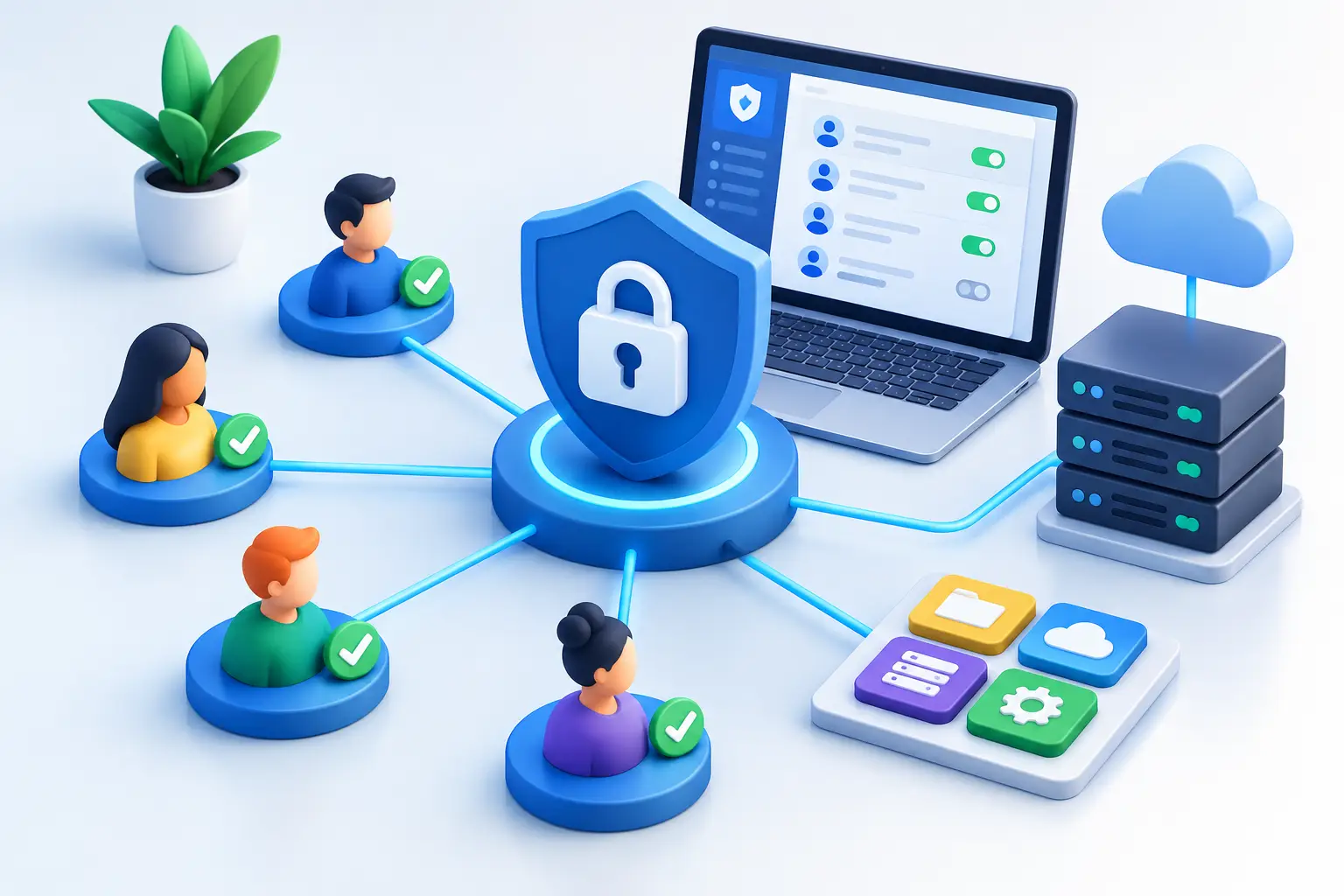
A centralized solution places a single management layer over access. An employee is assigned a defined role, policies are linked to that role, and access is granted or revoked in a traceable manner. This simplifies daily operations and also strengthens the company's ability to demonstrate control over information to customers, insurance companies, or regulators.
Best tools for centralized access control
The right solution is usually not a single application. It is an interplay of identity services, multi-factor authentication, password management, and device management. The appropriate combination depends on the size of the company, its systems, security requirements, and whether staff work on their own devices or company devices.
Microsoft Entra ID for identity and simplified sign-on
Companies that base their operations on Microsoft 365 often start with Microsoft Entra ID. The system manages users, groups, and logins, and can provide single sign-on to many cloud systems. An employee then uses a single company identity instead of creating separate accounts for each new service.
The biggest benefit is context. When a new employee is created, they can be placed in groups based on their job, department, or responsibilities, and granted appropriate access based on that. When employment ends, access can be revoked from a single management point instead of going through a long list of services.
Entra ID is particularly useful with conditional access. It allows you to require additional verification when a user signs in from an unknown country, an unmanaged device, or an unusual location. However, the rules must be well-implemented. Rules that are too strict can disrupt staff who are travelling, while rules that are too lax offer little security.
Multi-factor authentication as minimum protection
A password alone is not sufficient protection, no matter how long or complex it is. Multi-factor authentication, often called MFA, adds verification via a phone, authenticator app, or security key. This makes a stolen password less likely to grant access on its own.
For most businesses, MFA should be a requirement for email, remote access, cloud storage, financial systems, and administrator accounts. It makes sense to start where the consequences are greatest and then extend the rule to other systems. An authenticator app or security key generally provides stronger protection than SMS messages, which can be vulnerable to fraud and phone number porting.
MFA does not solve everything, however. If an employee approves a sign-in request in a hurry or is tricked into using a fake sign-in page, an attack can still succeed. Therefore, technical rules, education, and monitoring of unusual sign-ins must be combined.
Bitwarden for passwords you can't remember
Even with simple sign-in, there are still systems that do not support it. A password manager plays a key role here. Bitwarden enables staff to create long and unique passwords, store them securely, and share access with groups without sending passwords via email or messages.
For operations, it is most important that the password is owned by the company, not the individual. If an employee manages access to a shared social media profile, supplier portal, or technical system in their own browser, access can be lost when they leave. Centralised password management allows for transferring ownership, revoking sharing, and tracking who had access.
A password manager is not a substitute for identity management. It is a supplement for systems that do not connect to a central sign-in system and for secure handling of shared logins. Companies should avoid using one shared password for an entire team when it is possible to grant each user personal and traceable access.
Device management and conditional access
Access is not just a question of who the user is. The device also matters. A computer without encryption, security updates, or endpoint protection should not automatically receive the same access to sensitive data as a managed work computer.
With device management, for example in the Microsoft and NinjaOne environments, you can get an overview of device status and react faster. When this overview is linked to conditional access, rules can be set that restrict access from devices that do not meet security requirements. This is especially important for companies with remote work, multiple locations, or staff who travel a lot.
A balance needs to be found here. Companies that allow their own devices need a clear policy on what data can be opened, whether data can be downloaded, and how company data will be deleted if a device is lost. Not all jobs require the same restrictions, but sensitive data calls for clearer boundaries.
Specific control of administrator access
Administrator accounts should never be just regular user accounts with extra privileges. They can change security settings, create users, and open pathways to critical systems. If such an account is compromised, the consequences can be far-reaching in a short time.
Good practice is to use separate administrator accounts, require strong MFA authentication, and grant privileges only when necessary. It is also necessary to regularly review who has administrative permissions. Job title alone is not a reason to retain access that is no longer used.
Choose based on operations, not a feature list
It is easy to choose a solution based on a long list of features. A better question is: What happens when an employee starts, changes roles, loses a phone, or leaves? If the answer involves emails, memos, and manual changes across multiple systems, the process is vulnerable.
Companies with Microsoft 365 often achieve the most success by building identity management around it and adding a password manager for systems outside that environment. Companies with strict requirements, many external contractors, or specialised business systems may need more in-depth integrations and formal approval processes. What suits a 15-person service company is not necessarily right for a company with several hundred users and a complex supply chain.
Implementation also needs to consider the people who use the systems. If the access process is complicated, staff will look for workarounds. Clear instructions, good setup, and prompt assistance are therefore not secondary issues but part of security itself.
Start with an access audit that yields results
Before buying a new tool, the reality needs to be mapped out. Which systems contain sensitive data? Which users have administrator access? Which shared passwords are in use? And how long does it take to revoke all access when an employee leaves?
The site can then be prioritised. Start by protecting email and administrator access with MFA, connect the main cloud systems to central login and put shared passwords into a managed password vault. After that, it is natural to connect device status, regular access review and clear processes for new hires and leavers.
At nexIT, we view this as a daily operational task, not a setup that can be forgotten after delivery. Access changes constantly with the company. When managing it is simple, measurable and reviewed regularly, operations gain more than better security settings – they gain fewer unexpected incidents when it matters most.